A live chart you can steer
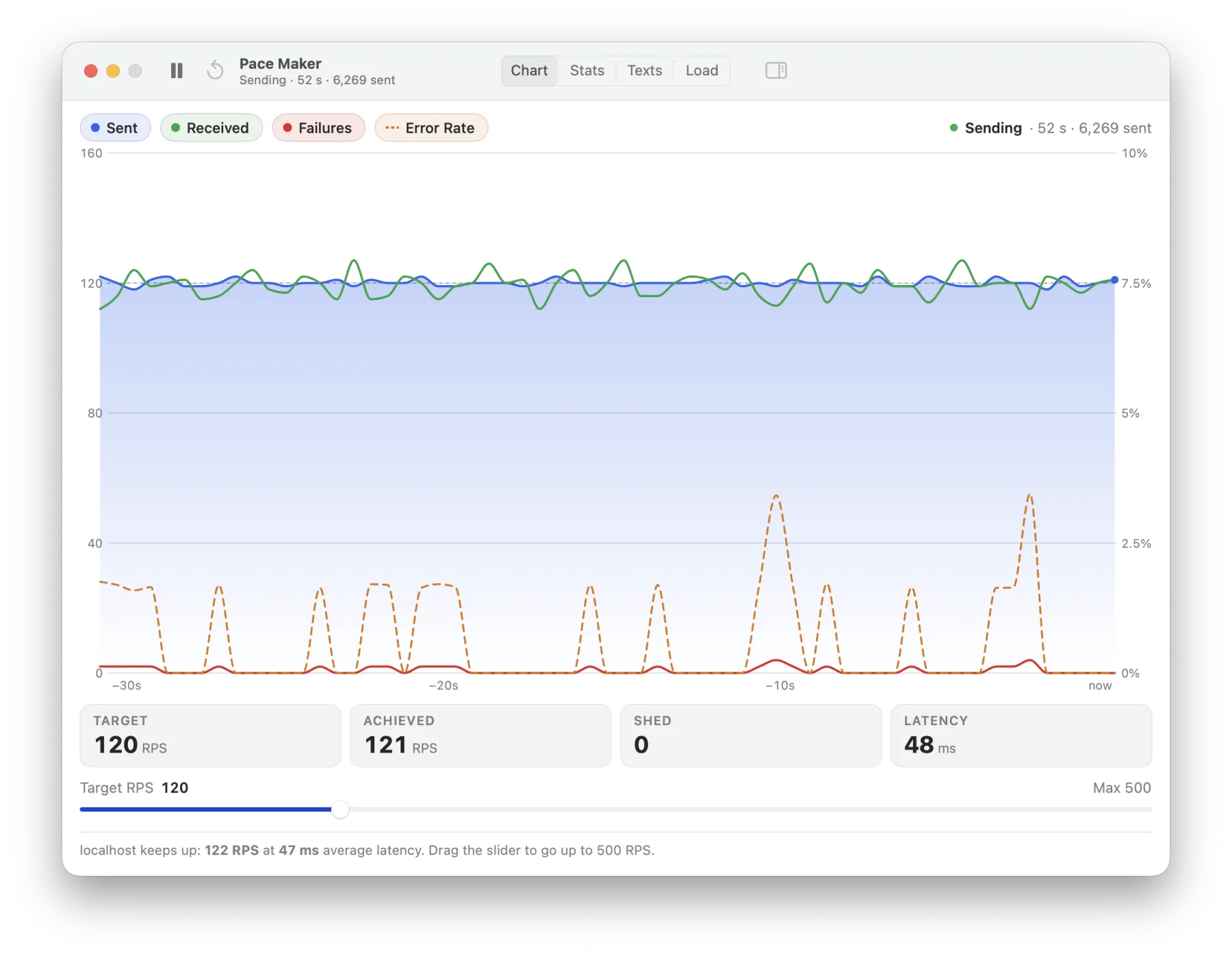
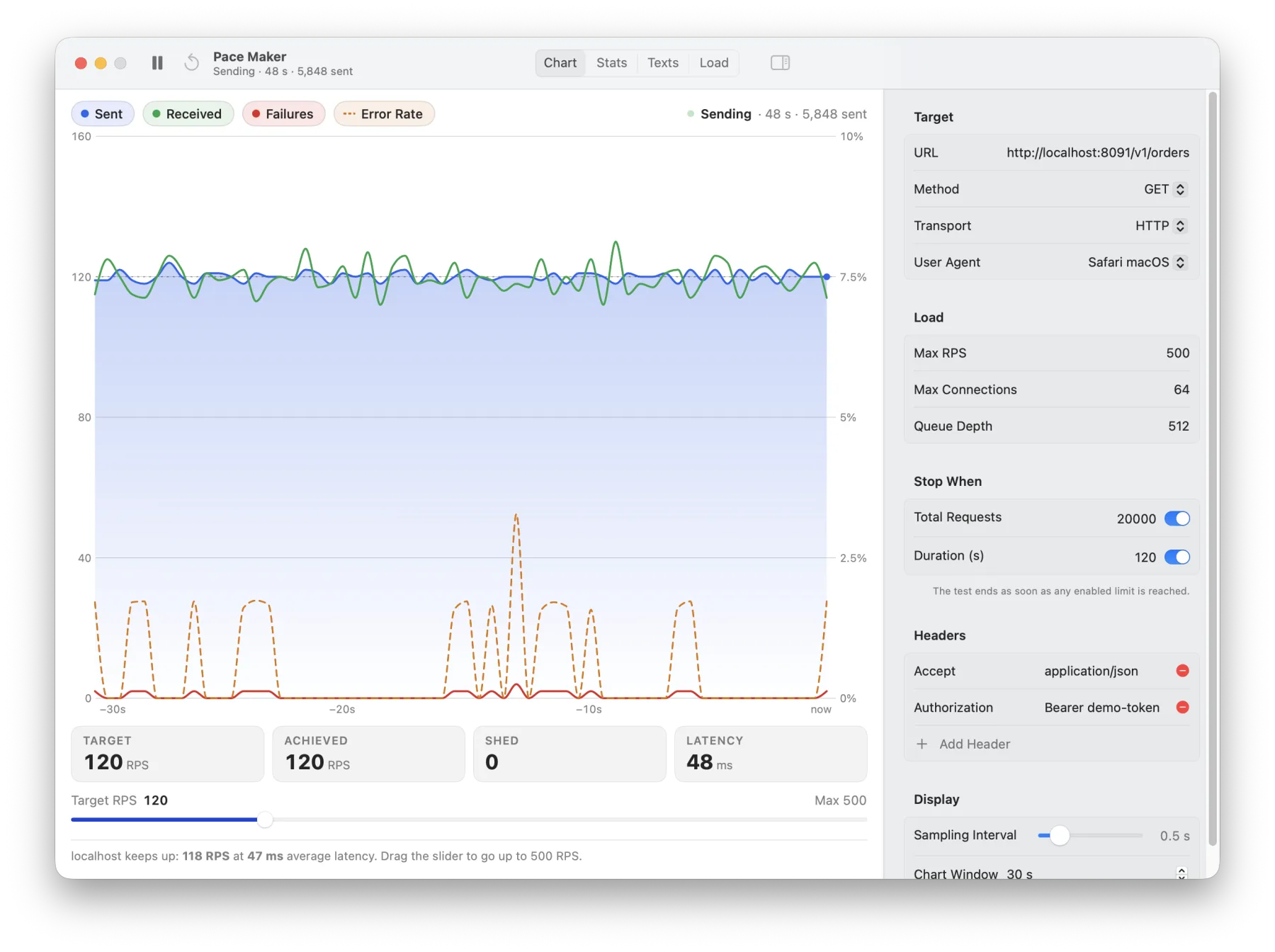
Sent, Received, Failures and Error Rate scroll by smoothly while the test runs, with the target as a dashed line. Drag the slider underneath to change the rate mid-test and watch the server react.
- Change the rate without stopping
- Error Rate on its own % axis
- Scroll back through the whole test
Honest backpressure
The request rate never waits on slow responses. When the endpoint can't keep up, extra requests are shed and you see the achieved rate drop below target. That dip is the signal you want.
Change anything while it runs
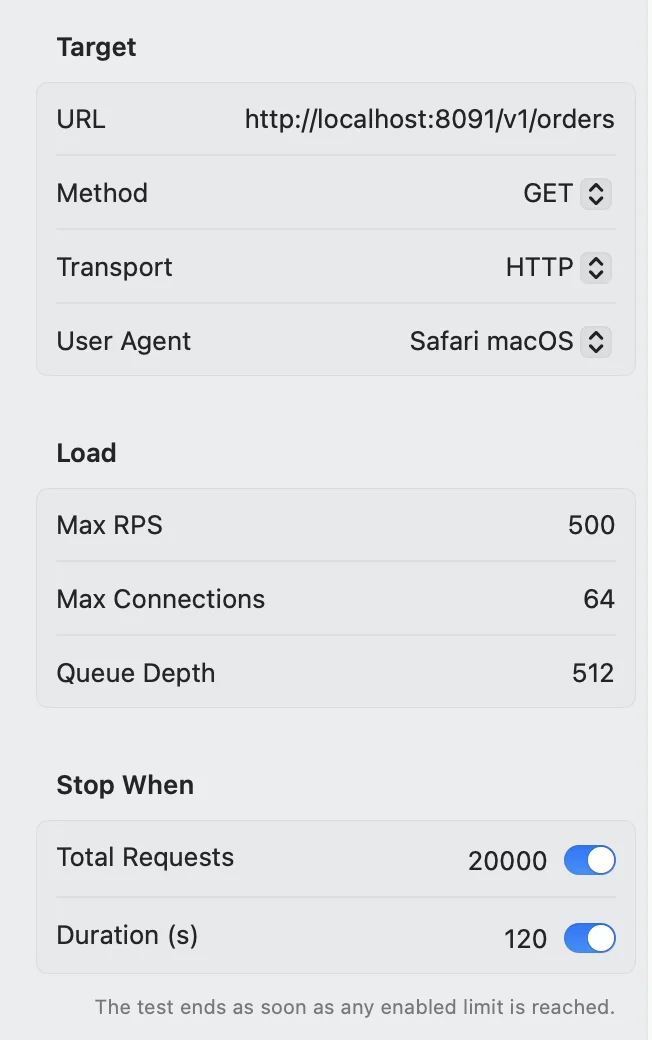
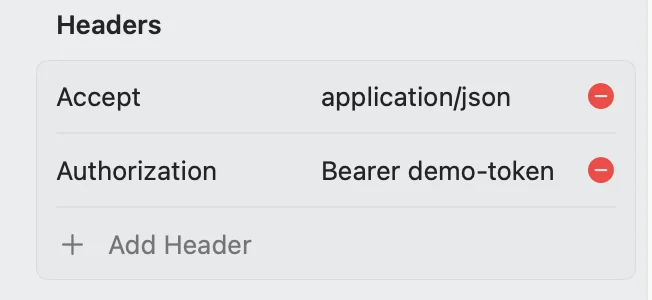
Max RPS, connections, queue depth, stop conditions, headers, the body and the method all apply to the running test. No restart, no lost history.
- GET, HEAD, POST, PUT, PATCH, DELETE, OPTIONS
- Safari, Chrome, Firefox, curl, Googlebot and mobile UA presets
Latency you can trust
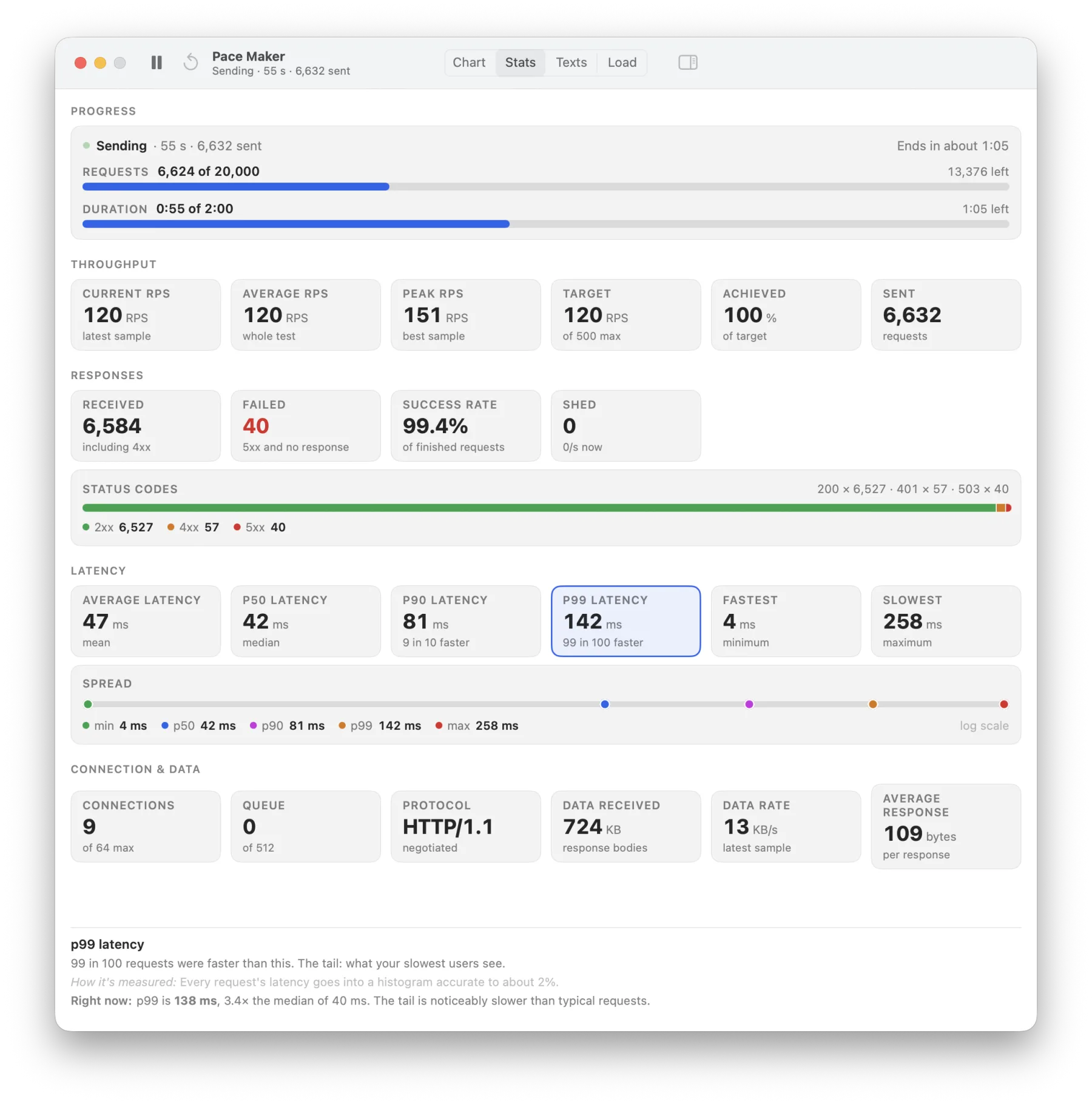
p50, p90 and p99 alongside the average, fastest and slowest request, from a histogram accurate to about 2%. A spread strip shows at a glance how long the tail is.
Every status code, explained
See how responses split across 2xx, 3xx, 4xx, 5xx and no response at all. Click any metric or response for a plain-language explanation and what to check next.
Compose the request body
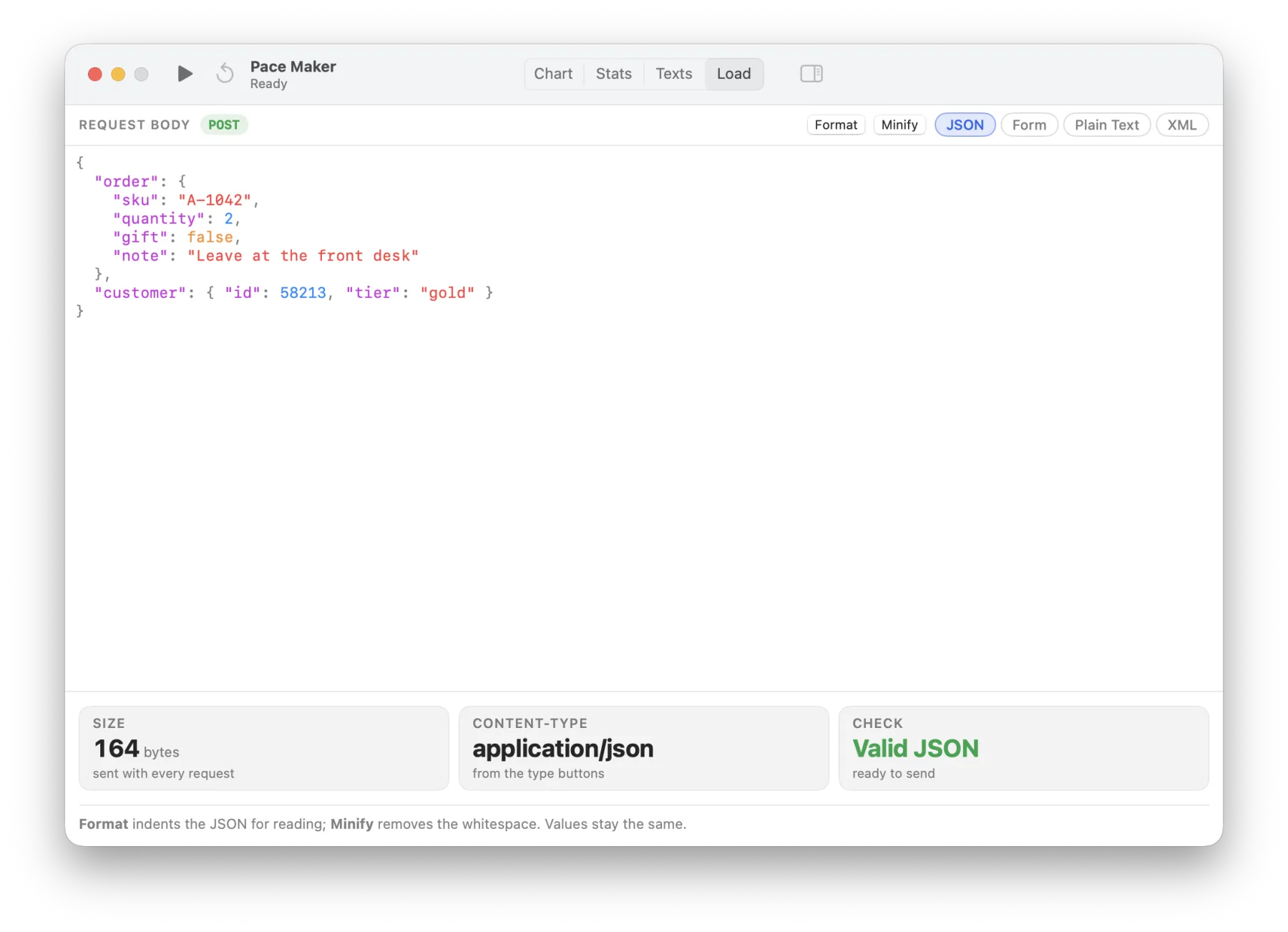
JSON, form, plain text or XML with syntax highlighting. Format and Minify in one click, and a validity check that points to the line and column of any mistake.
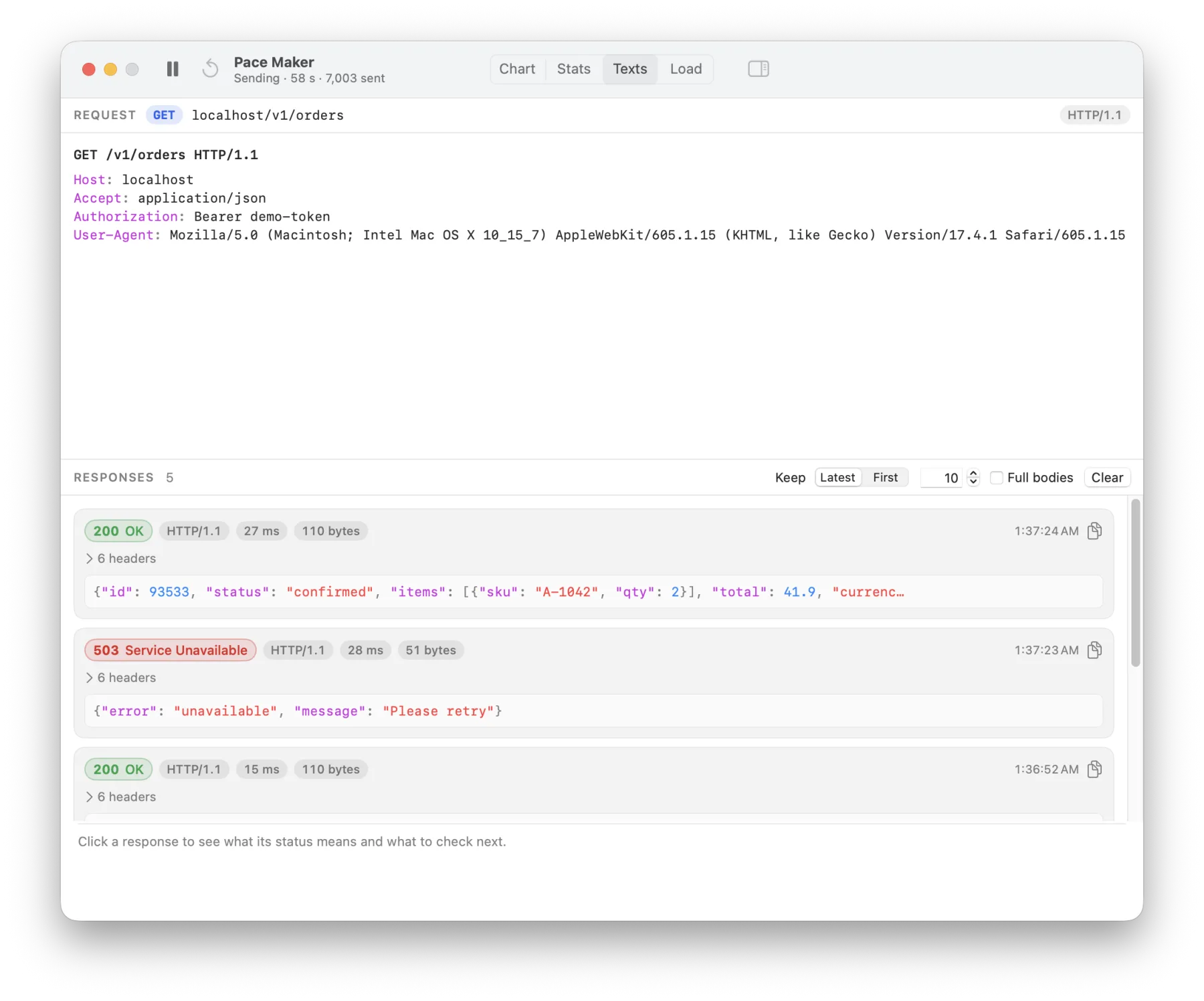
See every byte on the wire
The exact request, and responses as cards with status, protocol (HTTP/1.1, HTTP/2 or HTTP/3), latency and size. Requests that never got a response show you why.
Precise stop conditions
Stop after a number of requests, a duration, or both. Ask for 1,000 requests and exactly 1,000 are sent. Progress bars and an estimated finish time show how far along you are.
Tiny, fast, dependency-free
Pure Swift with zero third-party dependencies. Nothing is spawned per request, so memory stays flat at any throughput.
It behaves like a Mac app because it is one
Swift and SwiftUI from top to bottom, not a cross-platform wrapper. Liquid Glass toolbar on macOS 26, the new tab-style switcher on macOS 27, Dark Mode, ⌘R / ⇧⌘R shortcuts, and your last setup restored on relaunch.

 Pace Maker